What do we do here?
At autocadcontent.com, we provide AutoCAD content, download links, resources and selection guides as well as step-by-step AutoCAD tutorials that walk you through core workflows and content creation/selection best practices.
You’ll learn how to set up drawings, manage layers, create and insert blocks, apply annotation and dimension styles, and organize files. Tutorials sort by skill level so you can start as a complete AutoCAD beginner and advance at your own pace.
Starter articles cover opening and saving DWG files, basic draw and edit commands, and simple project setup. Intermediate lessons introduce dynamic blocks, external references, template creation, and layer naming standards. Advanced guides cover sheet set management, batch plotting scripts, template customization, and content guidelines for professional project documentation.
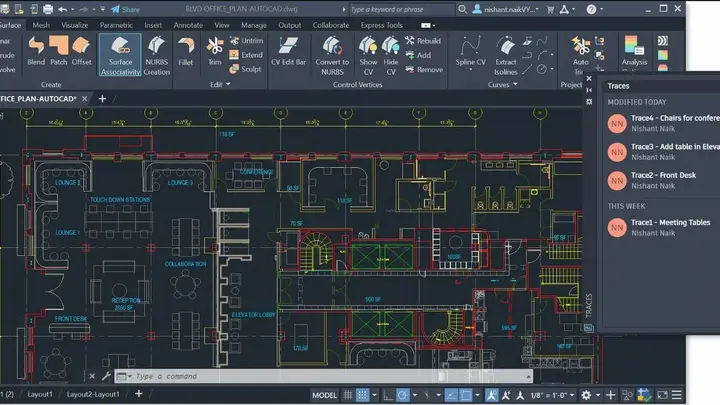
New to AutoCAD? Start here:


Setting Up And Installing AutoCAD
Step-by-step guide to install and configure AutoCAD on Windows and macOS.

Featured Content Provider: BIMcontent.com
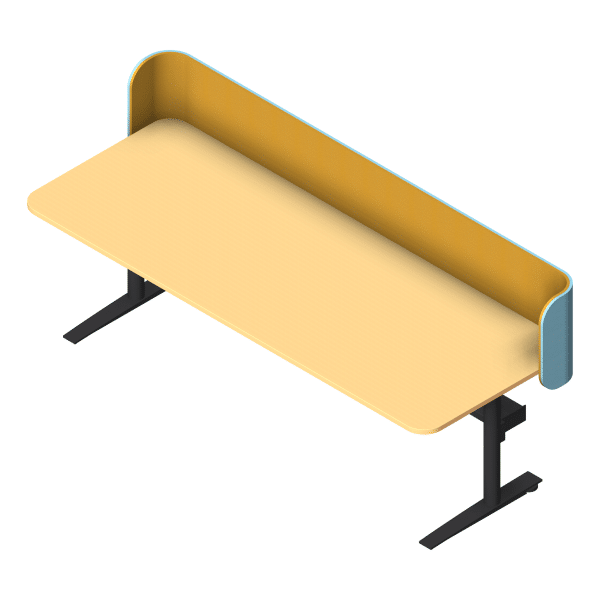
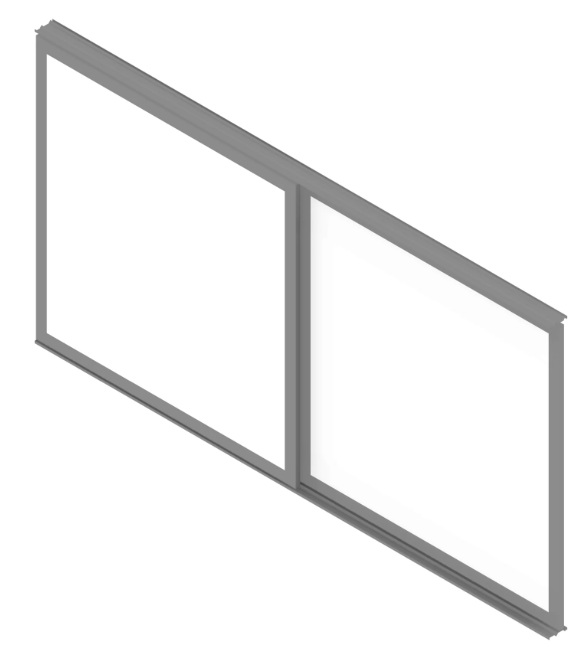

Just looking to download high-quality, reliable AutoCAD (or BIM) content?
To save time, learn from existing content or enhance your design workflows, it can be practical to download AutoCAD content that’s ready for a project environment.
We’ve done the hard work of vetting BIM content providers and distributors for you, and can say with confidence that BIMcontent.com is our top pick for AutoCAD content downloads.
Just head on over, sort by AutoCAD content and take your pick from consistent, high-quality content that is checked for quality and consistency before being allowed on the platform.
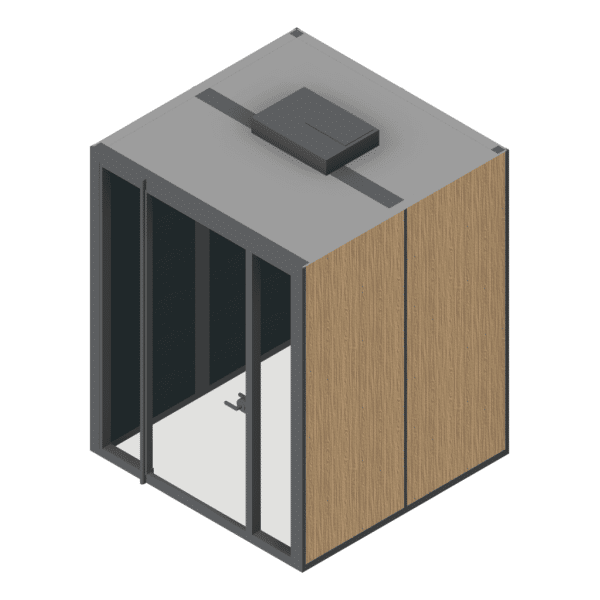
Example Autocad content from BIMcontent.com


What is AutoCAD?
AutoCAD is a computer-aided design (CAD) software developed by Autodesk.
It is widely used across architecture, engineering, and construction industries for creating precise 2D drawings and detailed 3D models.
With AutoCAD, professionals can draft floor plans, technical schematics, product prototypes, and infrastructure layouts with accuracy and efficiency. Its powerful tools streamline workflows from concept design through to documentation.
As one of the industry standards for CAD, AutoCAD supports both beginners learning drafting fundamentals and advanced users working on complex, large-scale projects.